Learn about this topic
- One way of differentiating content types is how often they are being updated.
In WP, Pages display content that doesn’t update frequently.
Posts are used to create content that’s updated frequently. Example: blog, food recipes, real estate listings.

- Posts have a separation between the content and the way the content is displayed. The content of each post is created without design.

- When a post is created, aside from its content, you need to define the post’s Meta Data– title, featured image, author, excerpt, etc.

- This information is used dynamically.
Dynamic content is a method where tags are attached to information.
These tags are used to display the content in different places with different designs. - Example: All the post titles will have a ‘Post Title’ tag.
When you display your posts, instead of manually adding each post title, you add the ‘Post Title’ widget to automatically pull each post’s title.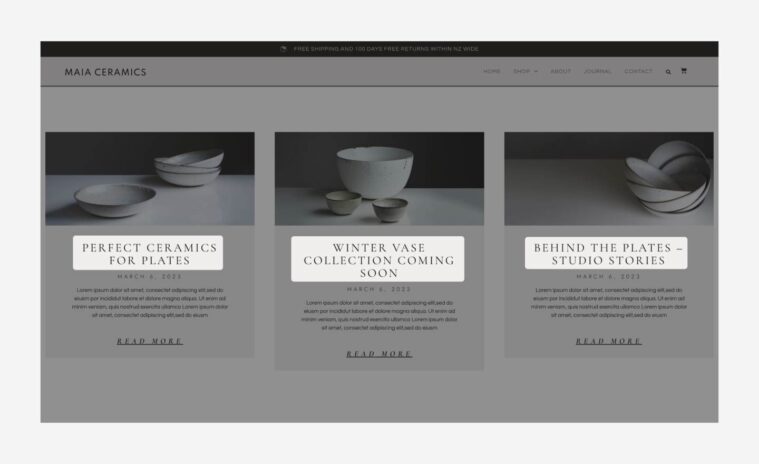
- Dynamic content speeds up work by allowing you to add or edit commonly-used information quickly. It also helps keep the design and content consistent throughout your site.
- Posts are created and displayed using a specific method.
Here’s an overview of the process: - The first step is to create the post’s content. This is done in the WP editor.
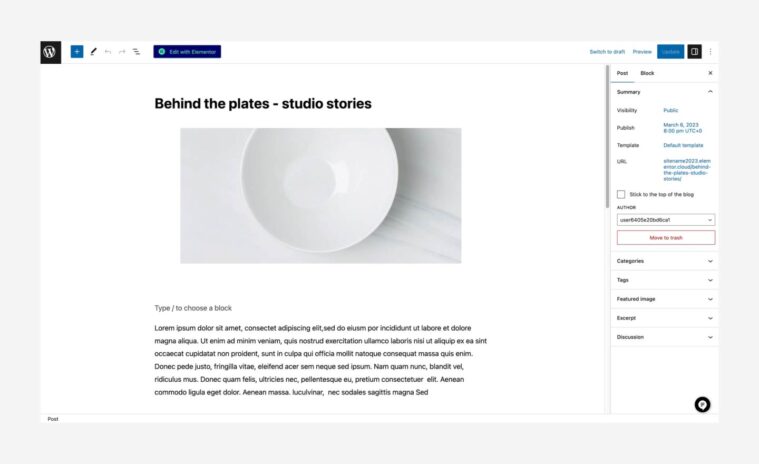
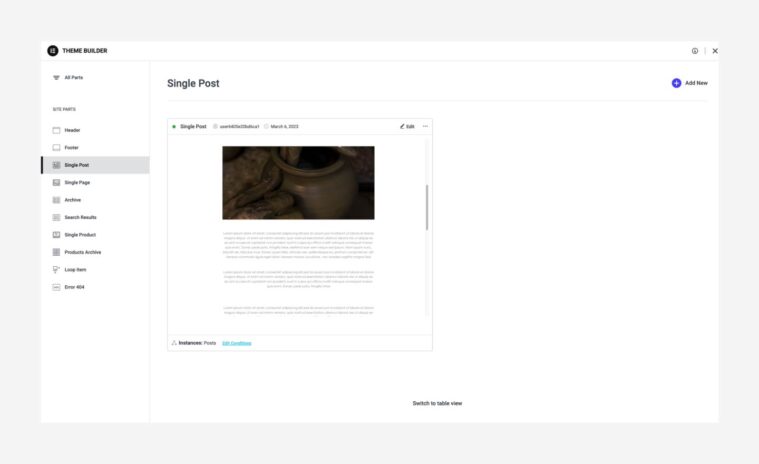
- Create a Single Post template (in the Theme Builder). This design is automatically implemented on your posts later.
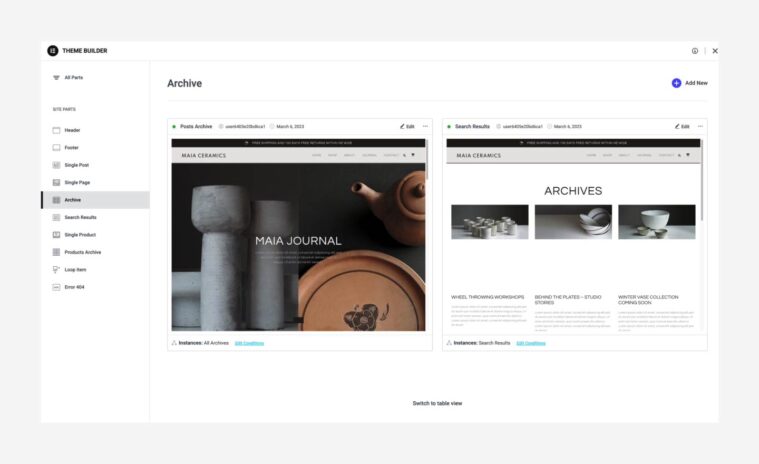
- Next, create an Archive Page template (in the Theme Builder). An Archive page is a webpage that shows a group of posts selected based on specific criteria.
- After creating the templates, add a Posts widget or a Loop Grid widget to one of your pages.
These widgets are used to display a collection of posts.
- Clicking a post leads the user to the full content of the post.
The design of the post is determined by the single post template (as it appears in the Theme Builder).
- All the templates (Single, Archive, Loop Grid) are created and edited in the Theme Builder (WP → Templates).